
Remove a Payment Method on myEssex
Follow the directions below to remove a payment method from your myEssex profile:
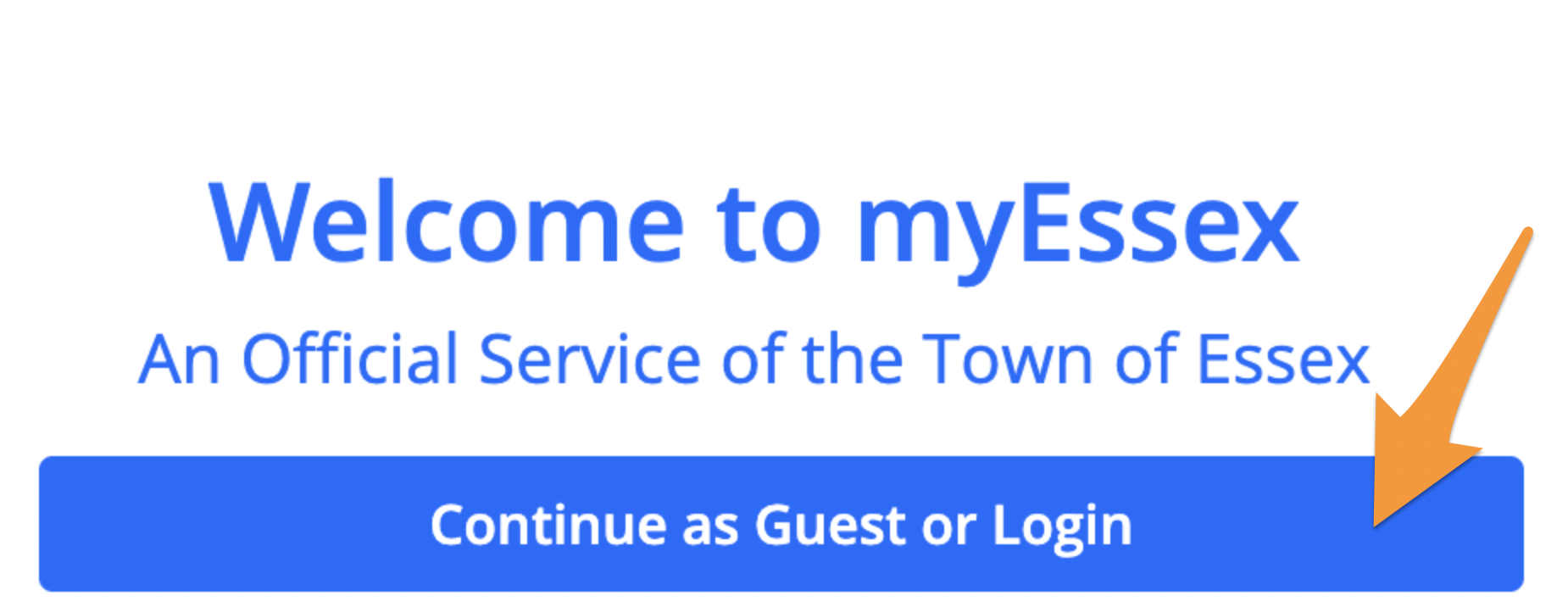
- Log in to your myEssex profile
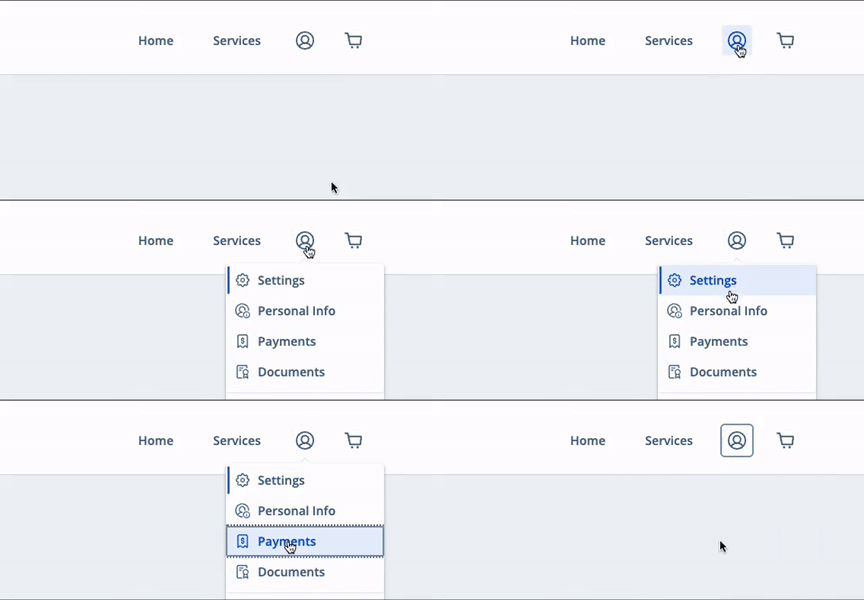
- Select the profile icon in the upper right corner and click Payments
-
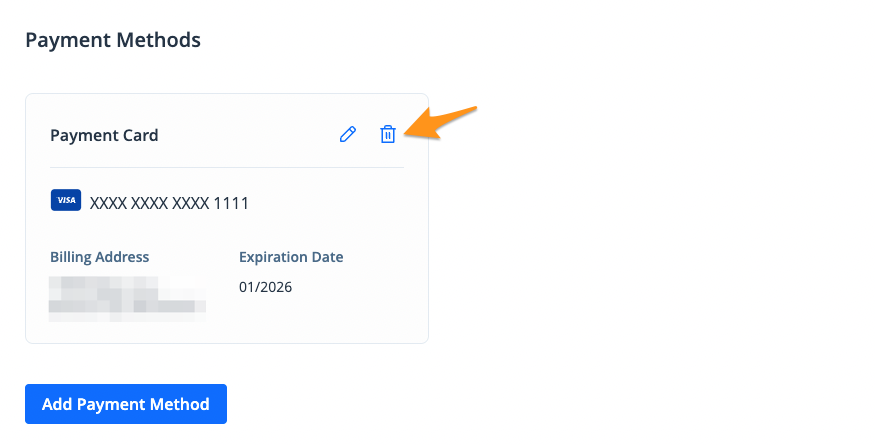
In the "Payment Methods" section select the trash icon next to the payment method you wish to delete
-
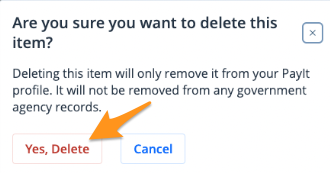
Click Yes, Deleteto confirm
The payment method is now removed from your profile. To add a payment method, see Add a Payment Method on myEssex.